

Why Lead Qualification Matters
For any business, capturing leads is only half the battle — qualifying them is what drives sales and growth. Without proper qualification, your sales team wastes time on poor leads instead of focusing on high-potential ones.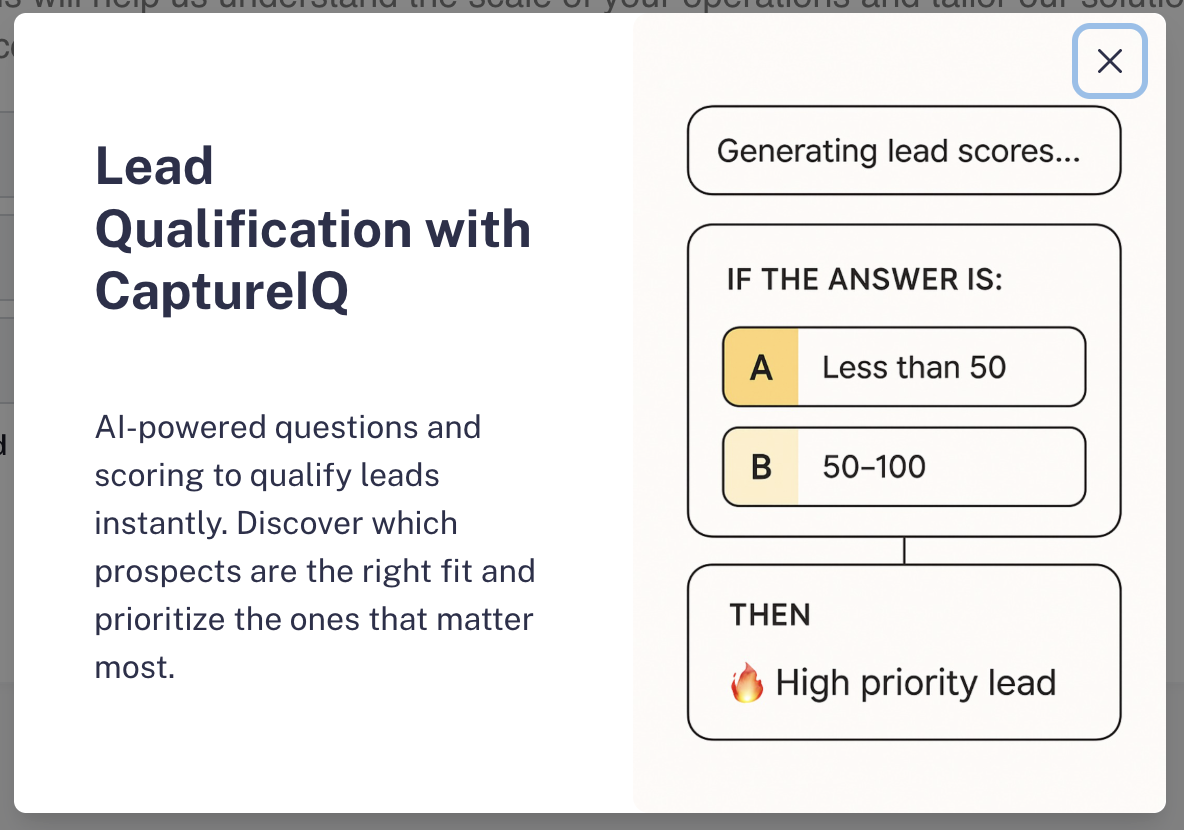
- Instantly create a lead capture form tailored to your business.
- Get optimized qualification questions without starting from scratch.
- Automatically score leads so you know which ones are high-priority.
How to Create a Lead Qualification Form
Step 1: Start Creating the Form
- From your CaptureIQ Dashboard, click + Create Form.
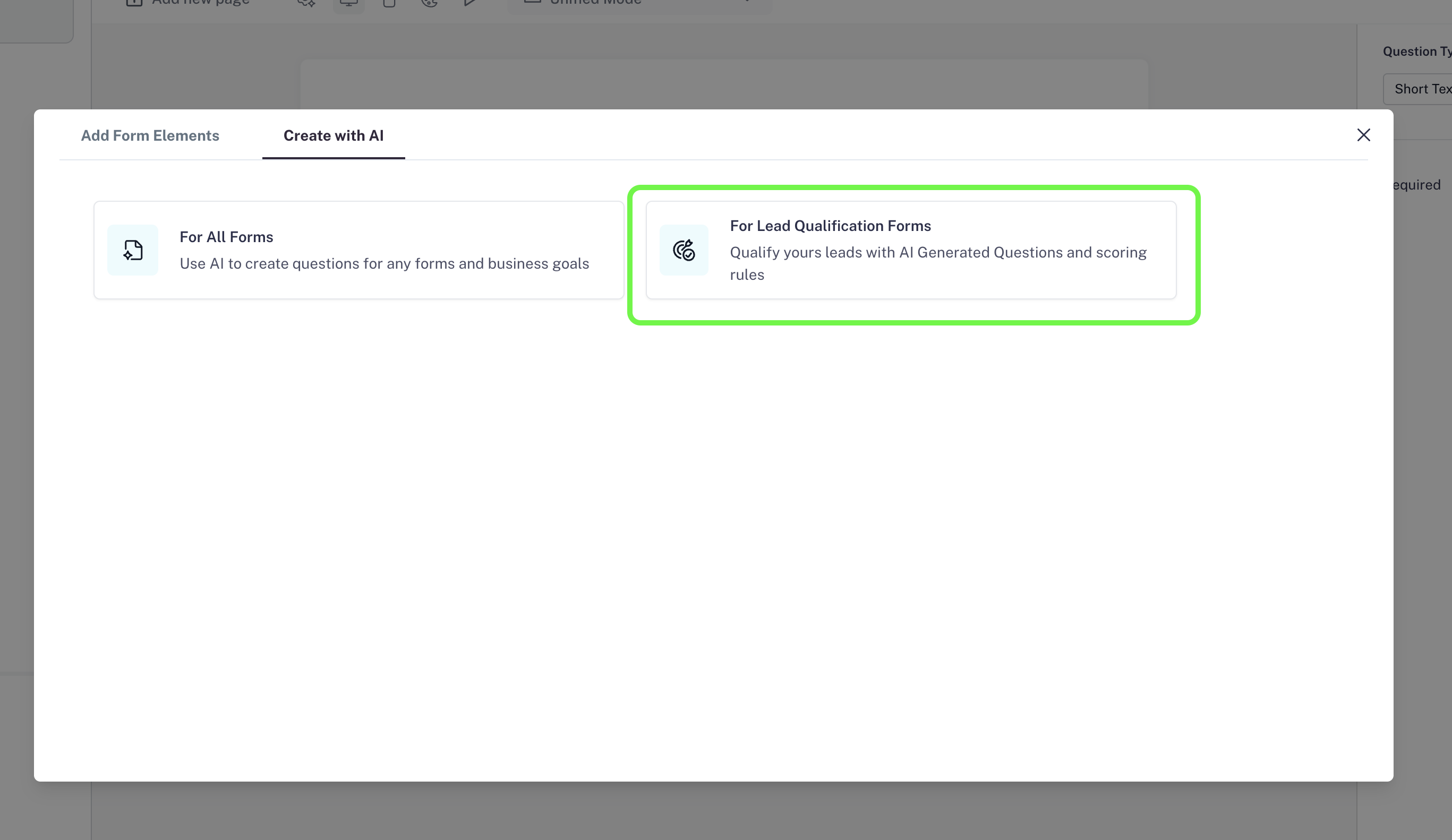
- Select Create Form with AI.
- From the available options, choose For Leads Qualification Forms.


Step 2: Provide Business Details
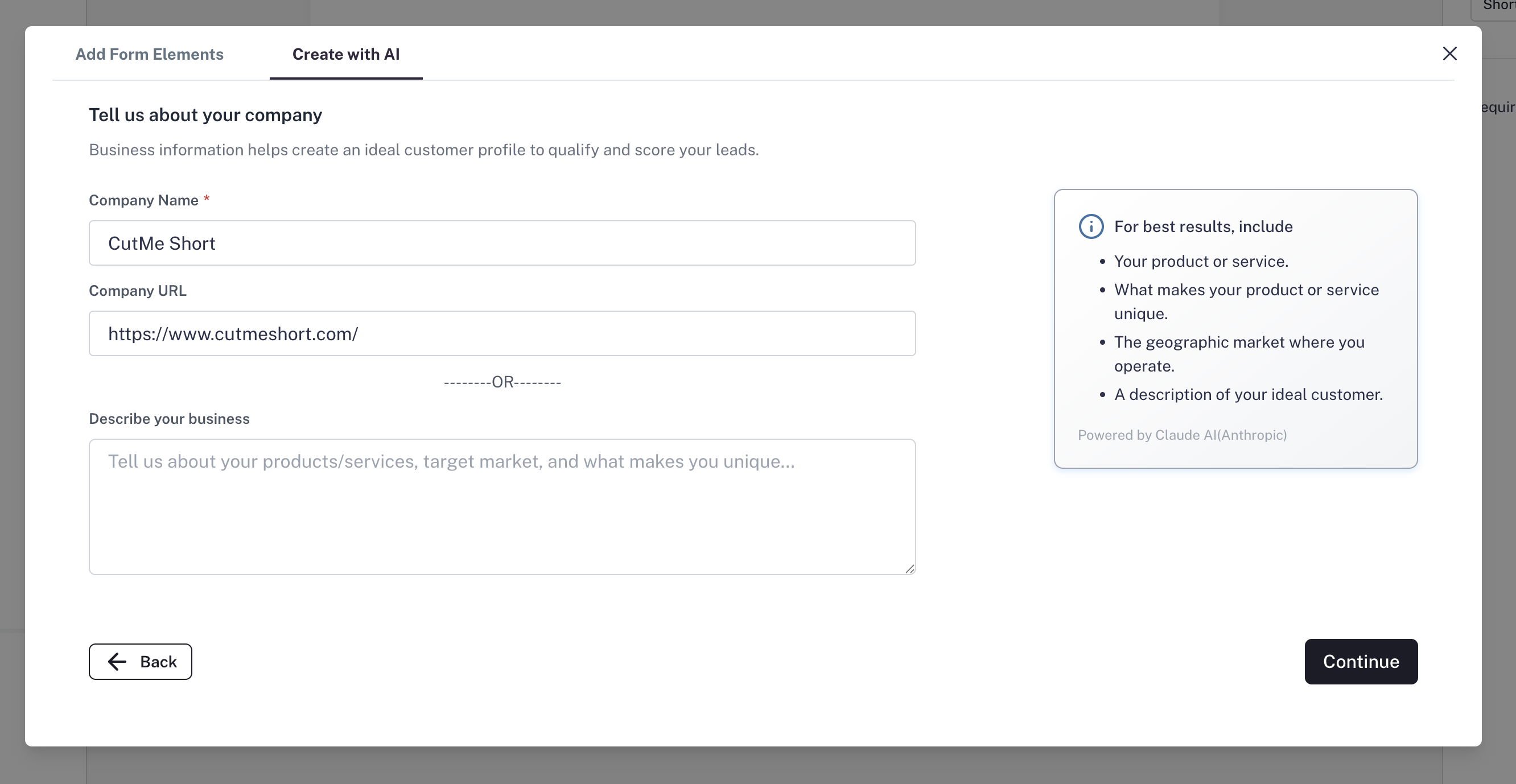
A window will pop up asking for details about your business.- Enter your Business Name.
- You now have two options:
- Enter your Business URL (Highly Recommended).
- Or, describe your business in detail in the field provided.
- What your business does
- Your ideal customer profile (ICP)
- Key demographics
- Important features & offerings
Step 3: AI Analyzes & Defines Your ICP
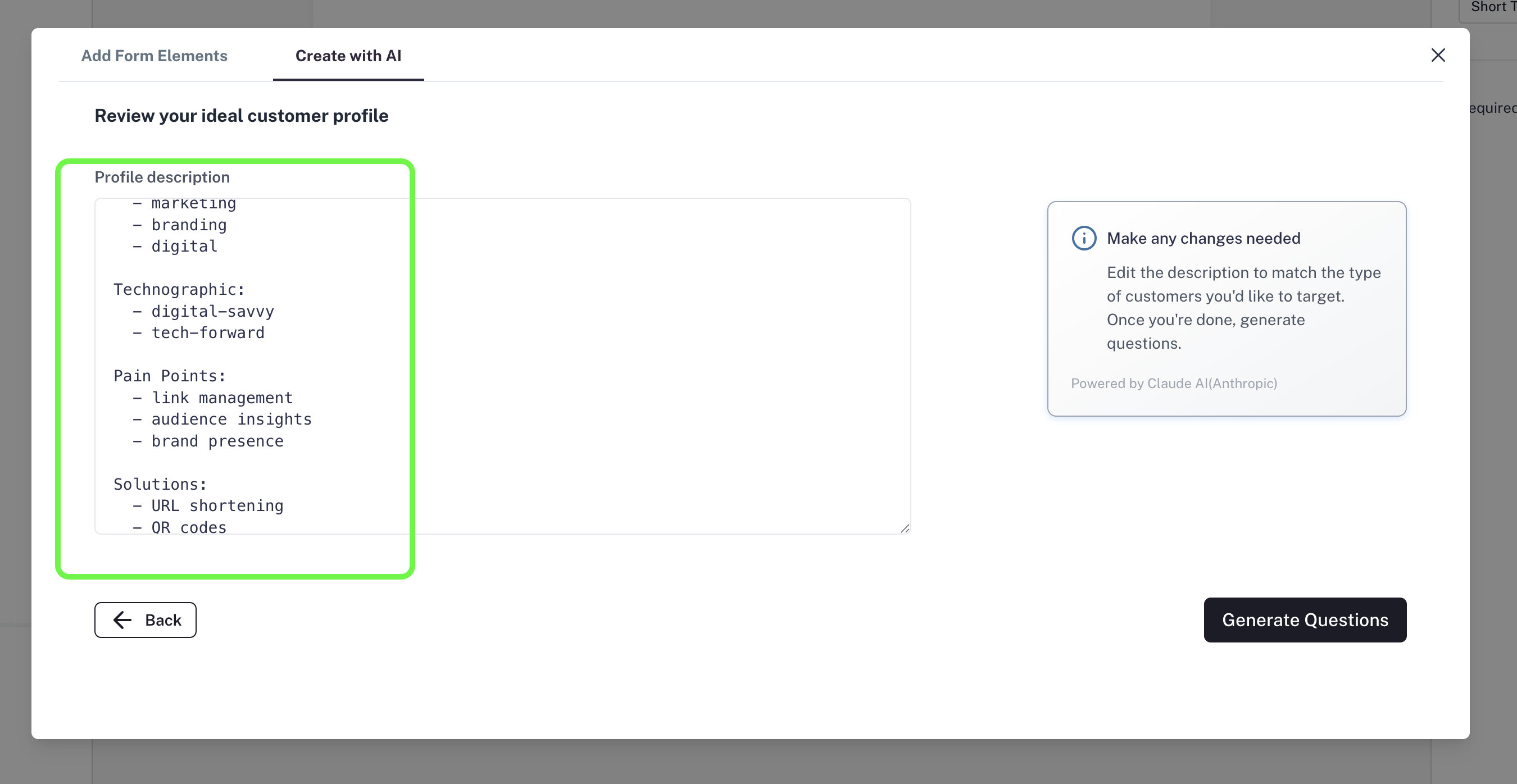
This is the first phase of AI magic.- AI processes your business details and generates Ideal Customer Profile (ICP) information.
- The information is neatly categorized into segments.
- Review these details. You can edit, add, or remove anything to better match your business.
Step 4: AI Generates Lead Qualification Questions
This is the second phase of AI magic.- Based on your ICP data, AI creates optimized qualification questions tailored to your business.
- These questions are well-researched, clear, and designed to qualify leads effectively.

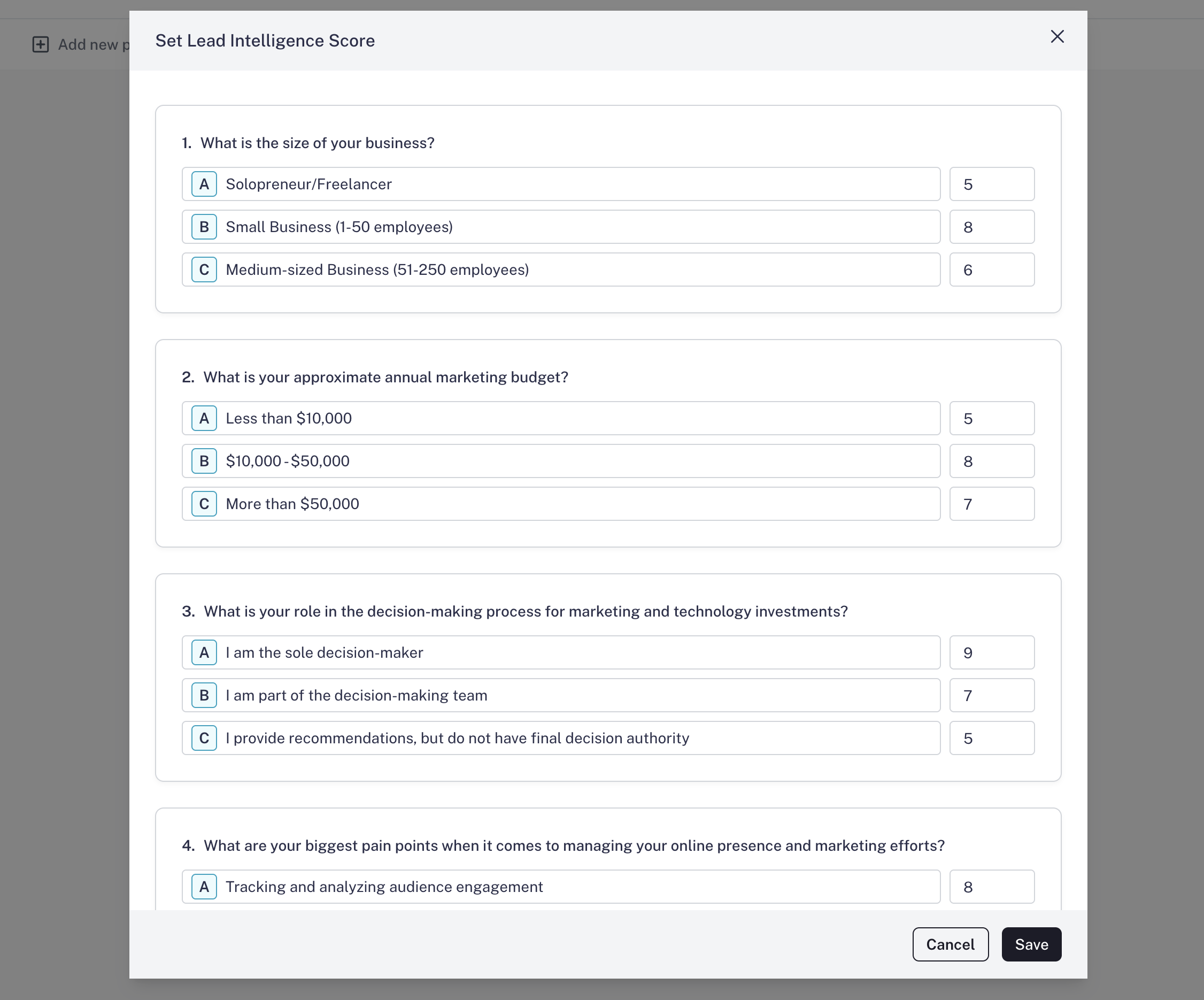
Step 5: Set Scores for Lead Qualification
Now comes the critical part — scoring your leads.- In the tool bar, click the Set Score button.
- You’ll see that AI has already assigned scores to each field.
- Options most valuable to your business are given higher scores.
- Less relevant options get lower scores.
Since this is a lead qualification form, make sure you add an Email/Phone Number field (at the start or end of the form). If AI hasn’t added it, add it manually.

Step 6: Preview & Publish
- Click Preview Mode to see how your audience will experience the form.
- Make any last-minute adjustments if needed.
- Once everything looks good, click Publish.
How to Use Lead Scores
Once you start collecting responses:- Go to the Results tab > Responses.
- Scroll to the last column — Lead Score.
- Here, you’ll see the AI-assigned score for each respondent.
- High scores = Priority leads
- Medium scores = Good leads
- Low scores = Poor leads

Final Thoughts
With Leads Intelligence Mode in CaptureIQ, you don’t just capture leads — you capture qualified leads. The AI does the heavy lifting by:- Understanding your business
- Creating optimized questions
- Assigning scores automatically