Submissions limits automatically reset at the beginning of each new month. Limits are tied to your plan, and CaptureIQ cannot manually reset or extend them.
How to test your form without using submissions
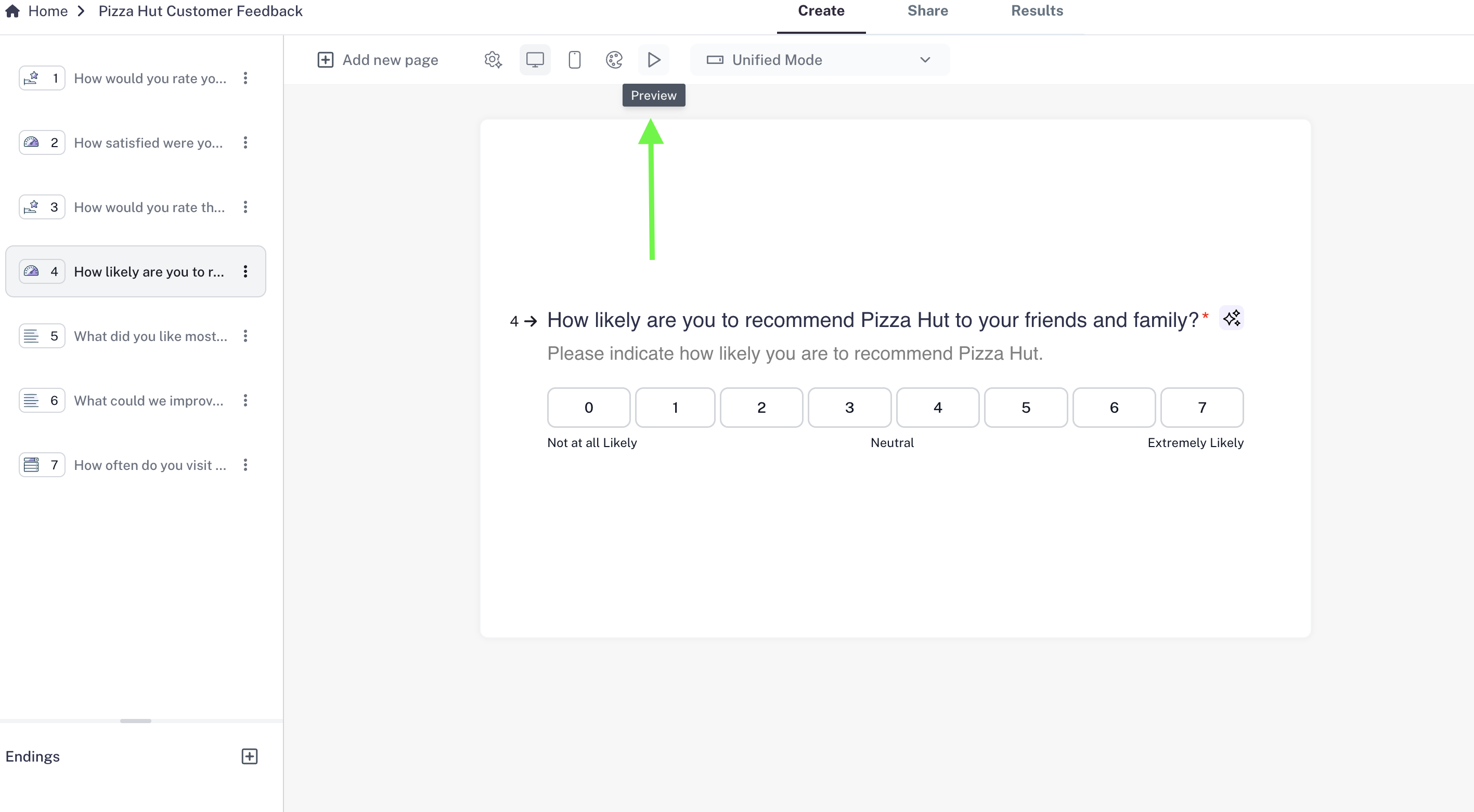
To make sure your form works correctly before publishing:- Open your form.
- Click the Preview button (play icon) in the toolbar.
- Interact with the form as if you were a respondent — this won’t count toward your submissions limit.
- Use the mobile view option to check how your form appears on smaller screens.