

Get started
- Sign up / Log in
- Create your free CaptureIQ account or log in if you already have one.
- Here’s how to setup one.
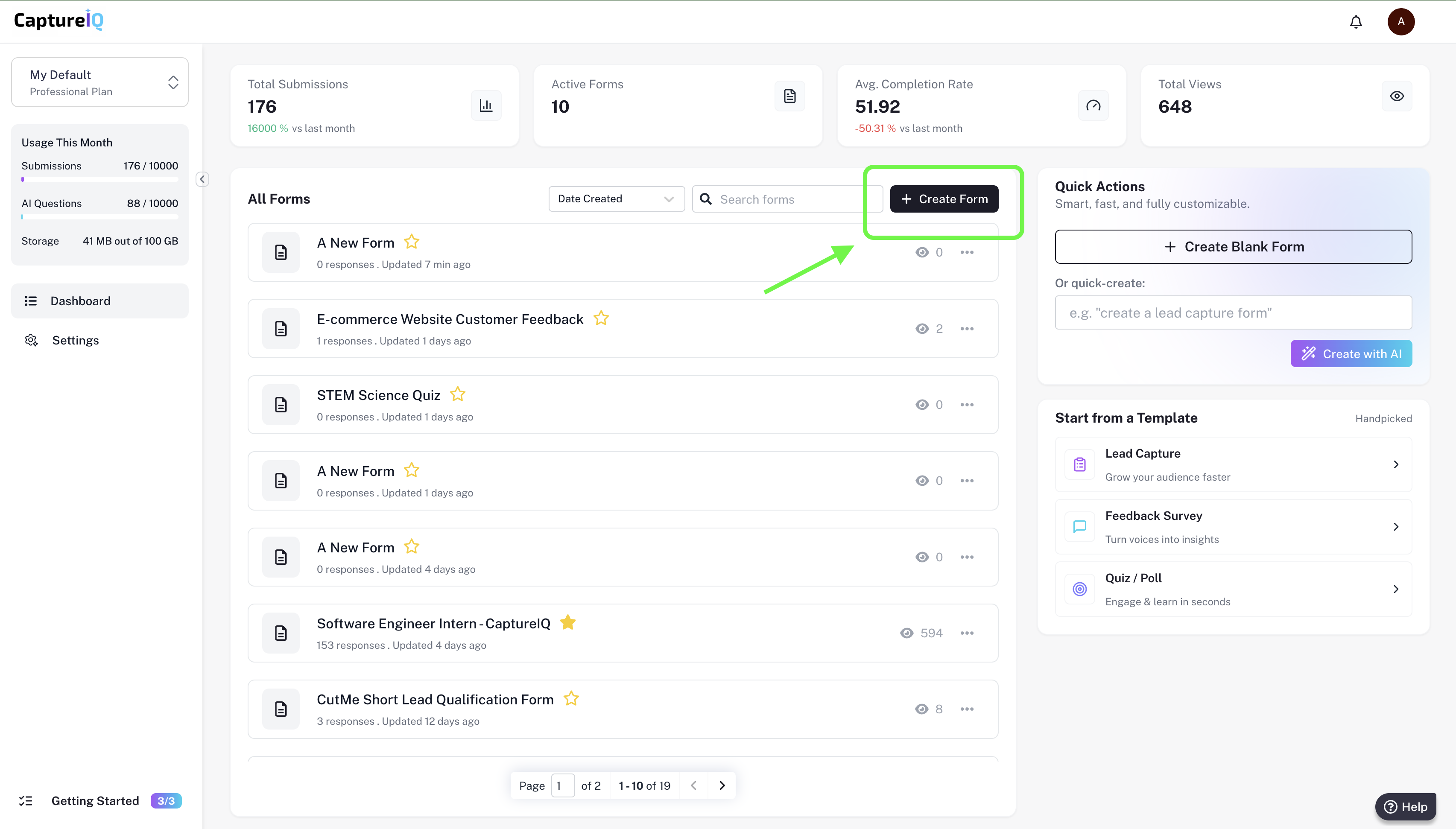
- Go to your dashboard
- Once logged in, you’ll land on your Dashboard.
- Click the + Create Form button to start building your form.
- Choose how to create
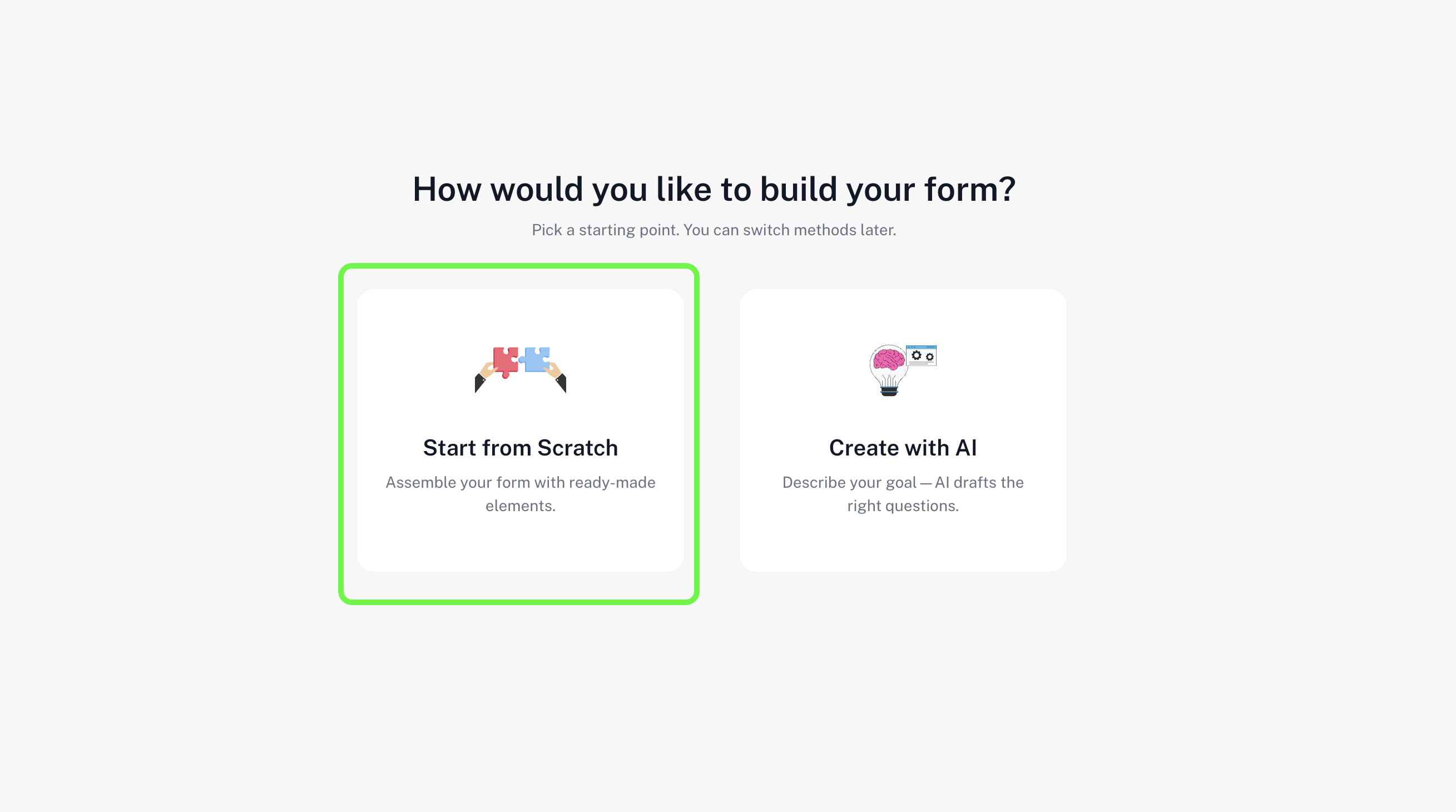
- You can Start from scratch or use AI to generate a form based on your prompt.
- For this guide, let’s click Start from scratch.
- Add your first question
- You’ll be taken to the Form Builder.
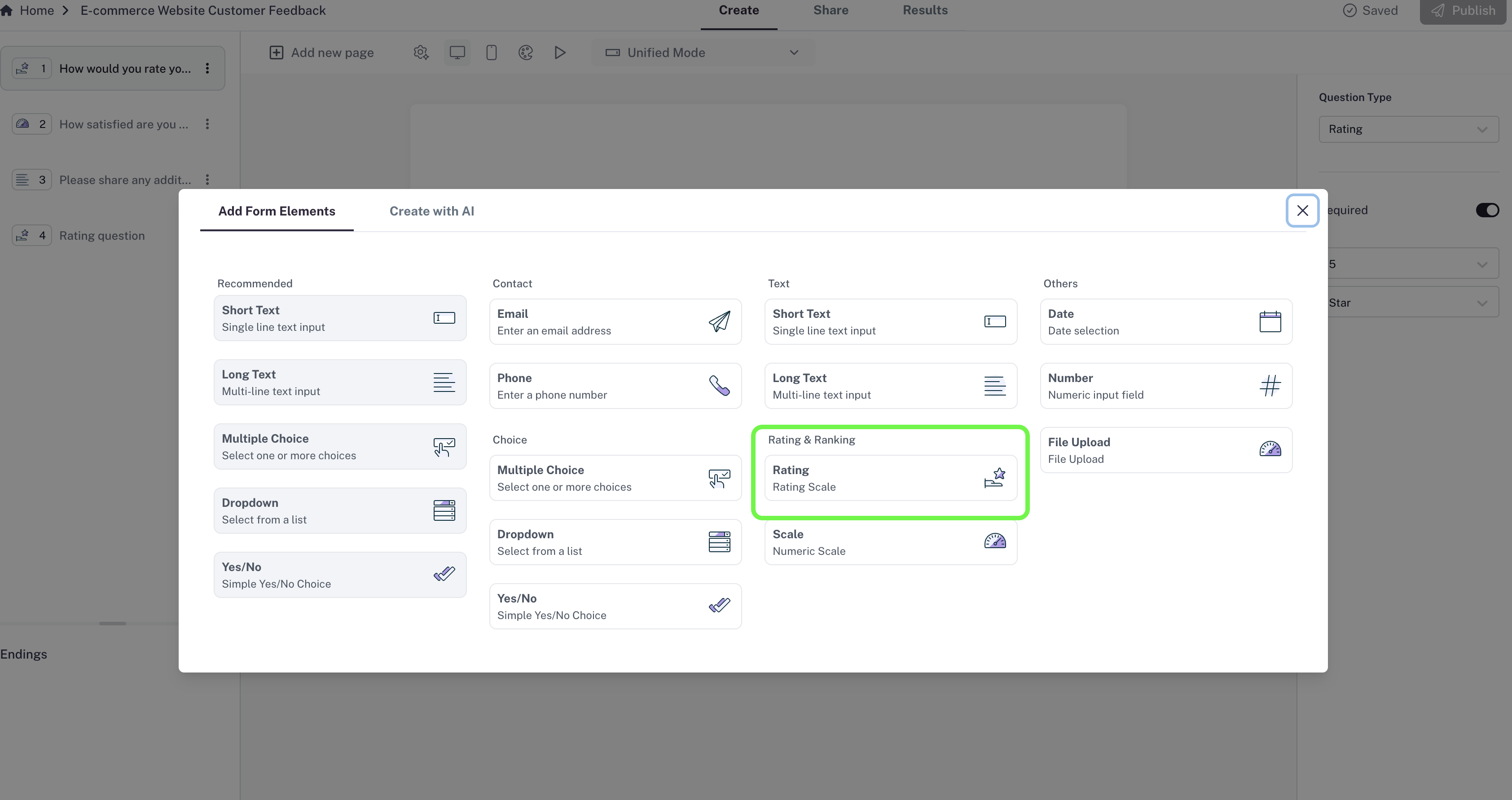
- The question menu will appear — select a Short Text question type.
- Type your first question in the field provided.

- Add more questions
- Click + Add new page (or the + icon).
- Select another question type from the menu — for example, Multiple Choice.
- Type your question and enter answer choices.
- Personalize your form
- Add different question types like Email, Phone number, or Rating depending on your needs.
- You can drag and drop questions to reorder them anytime.
- Preview your form
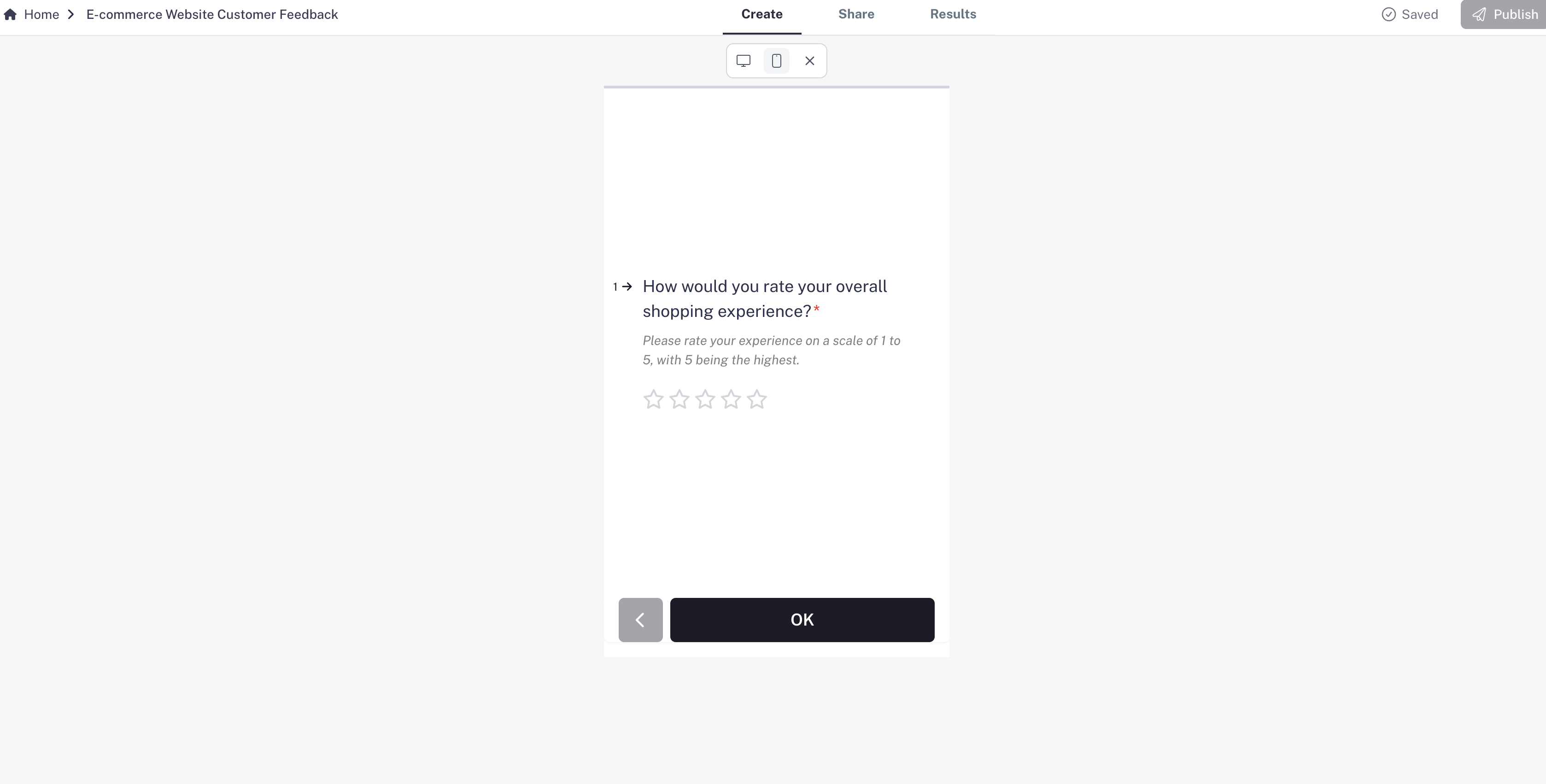
- Switch between Desktop and Mobile view to see how your form will look for respondents.

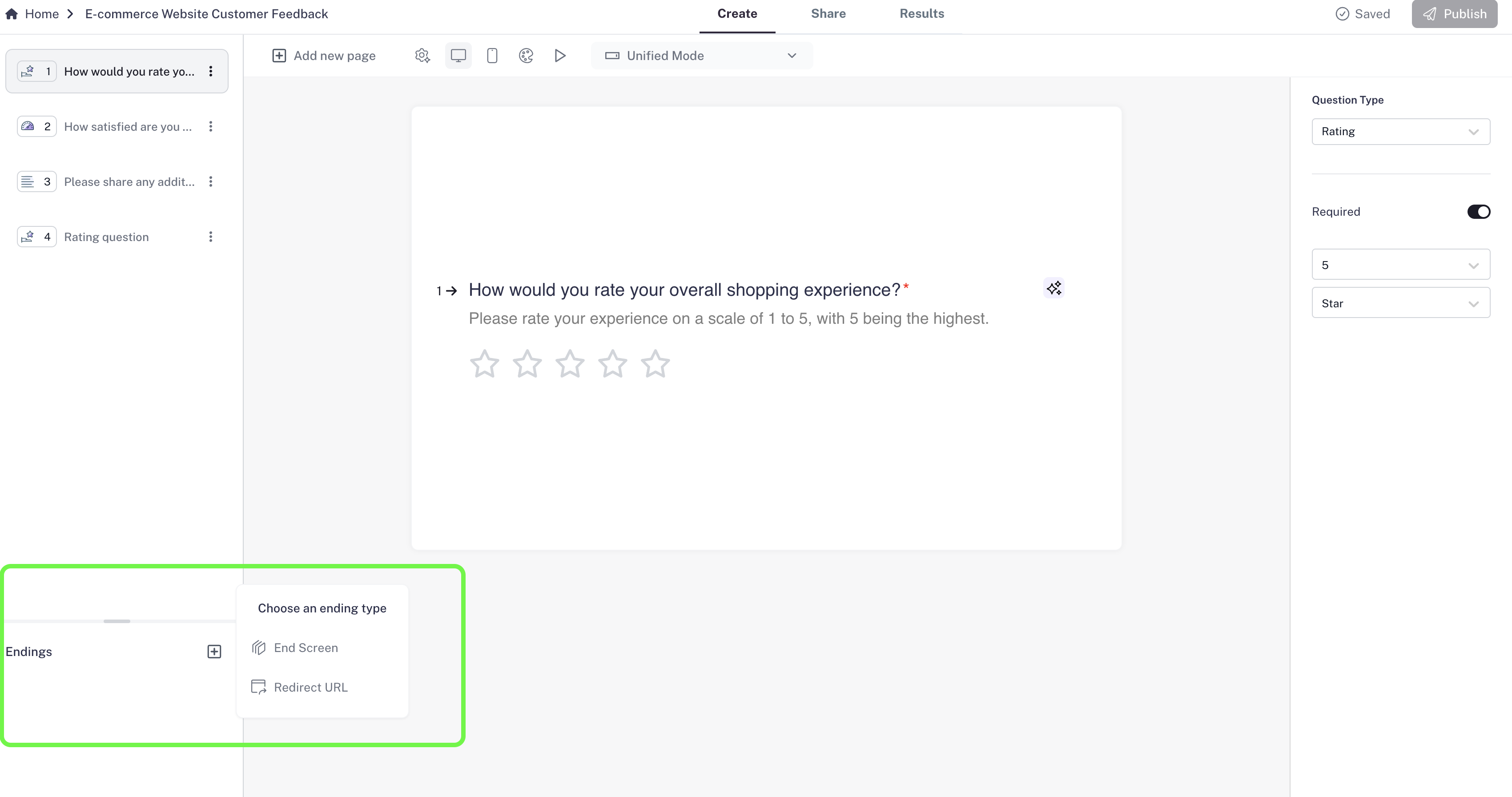
- Finalize with an End Screen
-
Add an End Screen to thank respondents or show a confirmation message.
- Publish your form
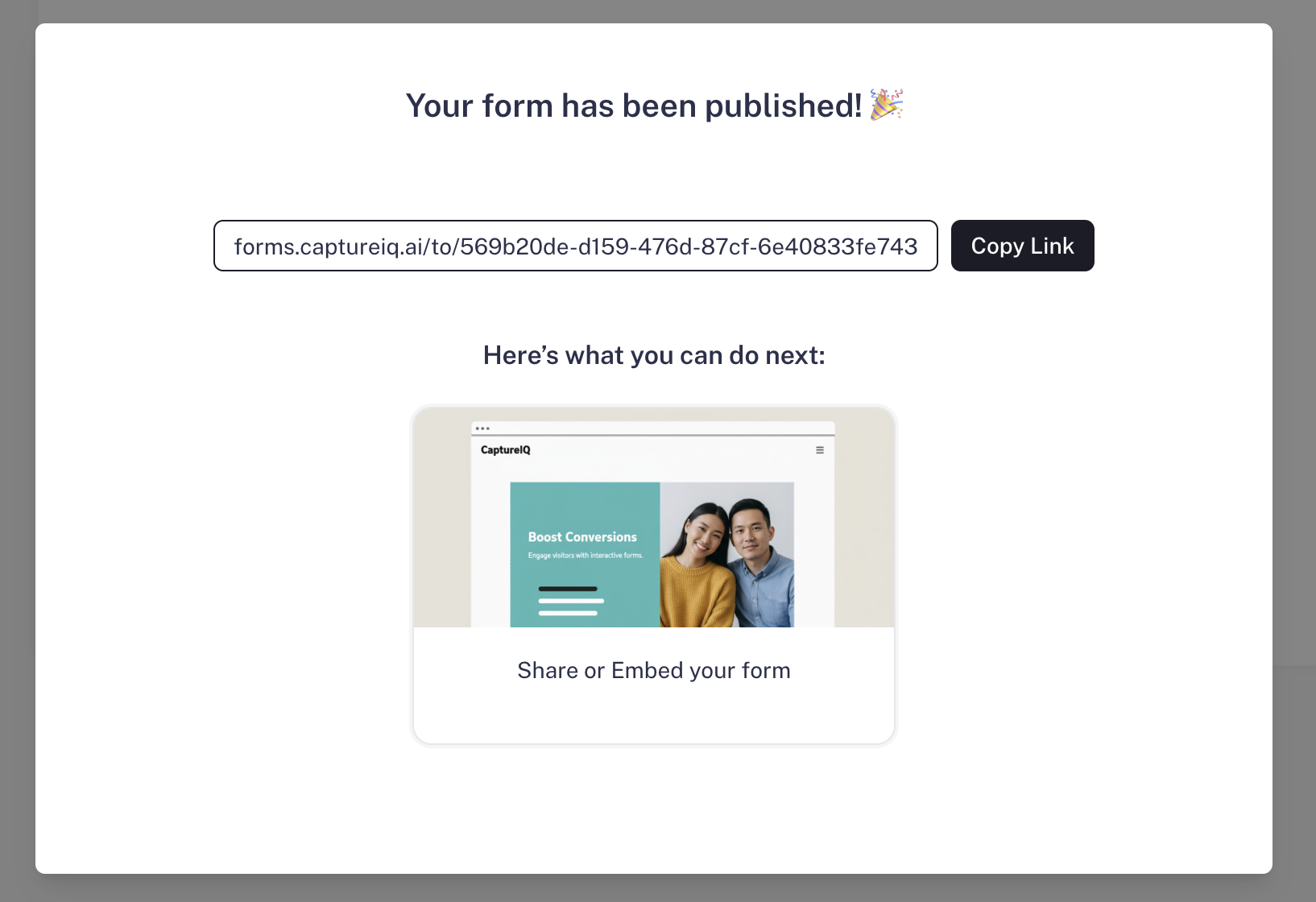
- Once ready, click the Publish button.
- You’ll get a shareable link and an embed code to add the form to your website.
Tips
- Autosave: Your form saves automatically as you build.
- Edits after publish: If you edit your form after publishing, click Publish again for changes to go live.
- AI-powered forms: Try letting AI generate a form for you with just a prompt — perfect when you need something fast.
That’s it! You’ve built and published your first CaptureIQ form.