Step 1: Preview Your Form
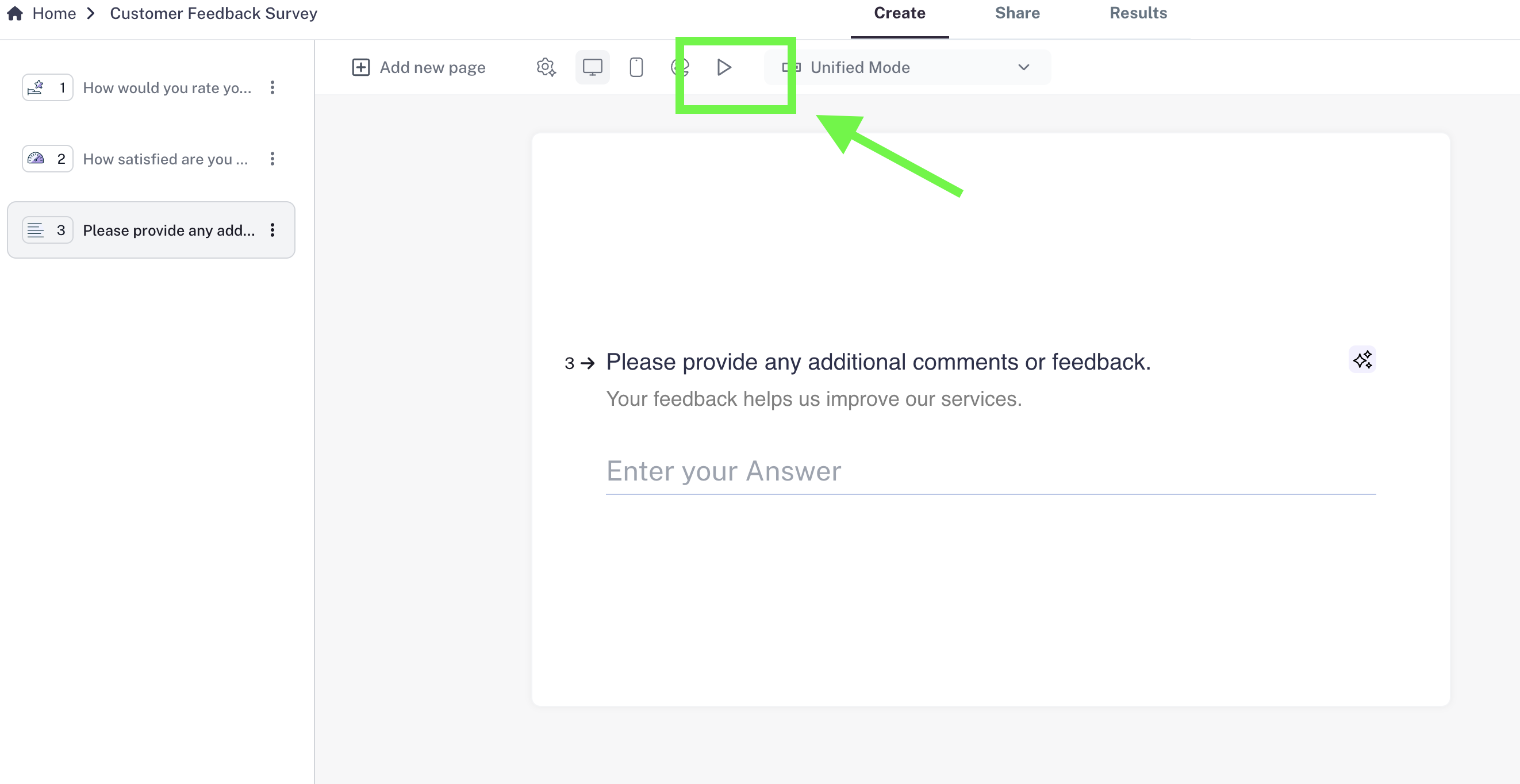
- Open the preview to see exactly how your form looks.
- Check both desktop view and mobile view to make sure everything works smoothly for your audience.
Step 2: Optimize Your Questions
- Next to each question, you’ll see the AI Text Optimizer.
- Use it to fine-tune your questions so they’re clear, engaging, and more likely to get responses.
Step 3: Set Your Ending Page (Optional)
- Add a custom Ending Page (thank-you screen) that appears after submission.
- You can thank users, share next steps, or include a link.
Step 4: Publish Your Form
- Once everything looks good, click the Publish button in the top-right corner.
- Your form is now live and ready to collect responses 🎉
Step 5: Share Your Form
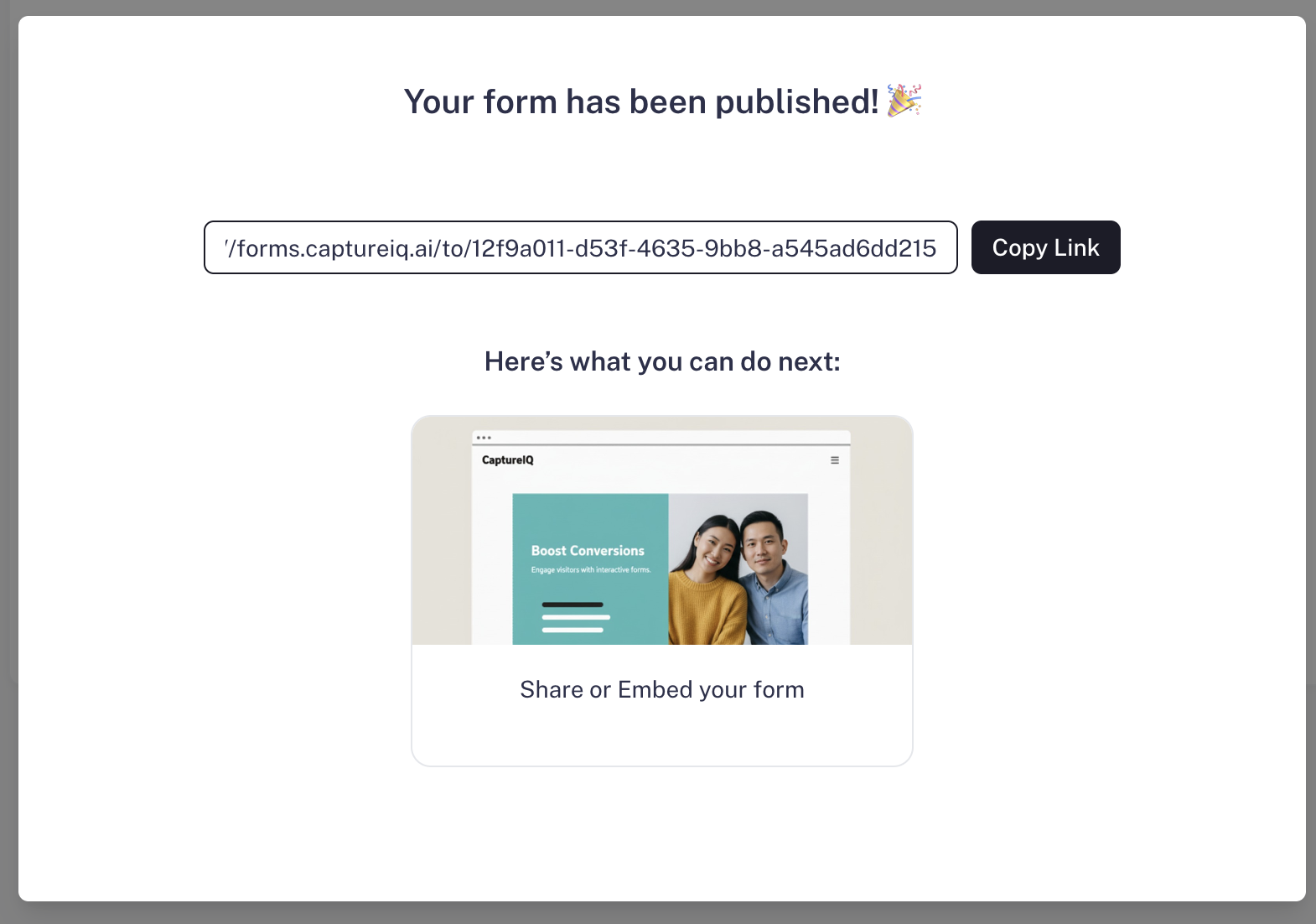
- After publishing, you’ll see the form URL in the publish window.
- Copy the link and share it anywhere — email, social media.