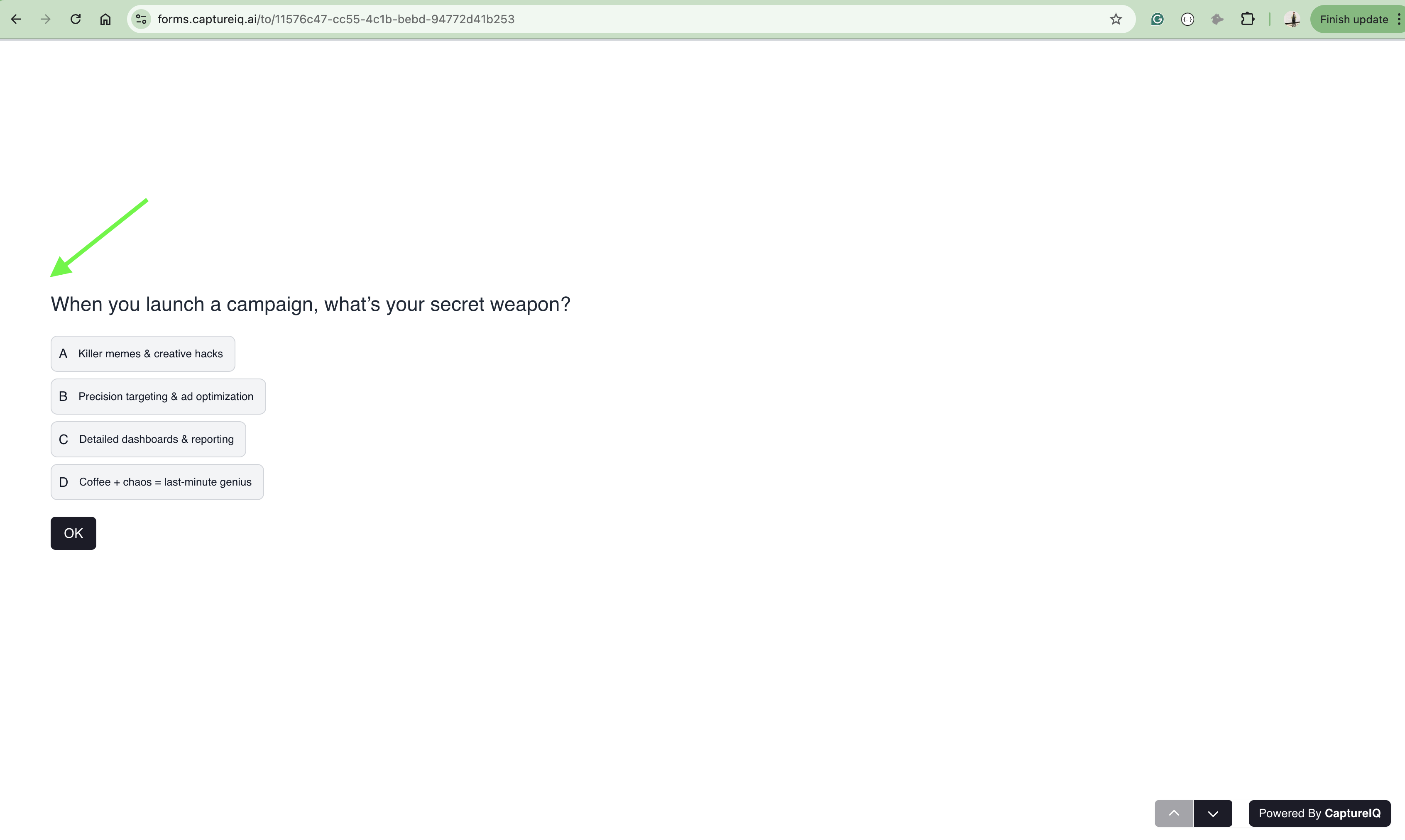
- Showing numbers is useful in surveys, quizzes, or long forms where respondents need to track progress.
- Hiding numbers works well for embedded forms or when connecting multiple forms together.
How to show or hide question numbers
- Open an existing form (or create a new one) in CaptureIQ.
- Go to Form Settings icon in the editor panel.
- Toggle the Question Numbers switch.
- On: Question numbers will be visible.
- Off: Questions will appear in order but without numbers.


The switch is on by default.