

- Show arrows if you want users to freely move back and forth between questions.
- Hide arrows if you want the flow to feel more linear and focused.

How to show or hide navigation arrows
- Open an existing form (or create a new one) in CaptureIQ.
- Go to Form Settings icon in the editor panel.
- Find the Navigation Arrows toggle.
- On: Arrows will be visible, allowing users to move back and forth.
- Off: Arrows will be hidden, so users move only in the designed flow.

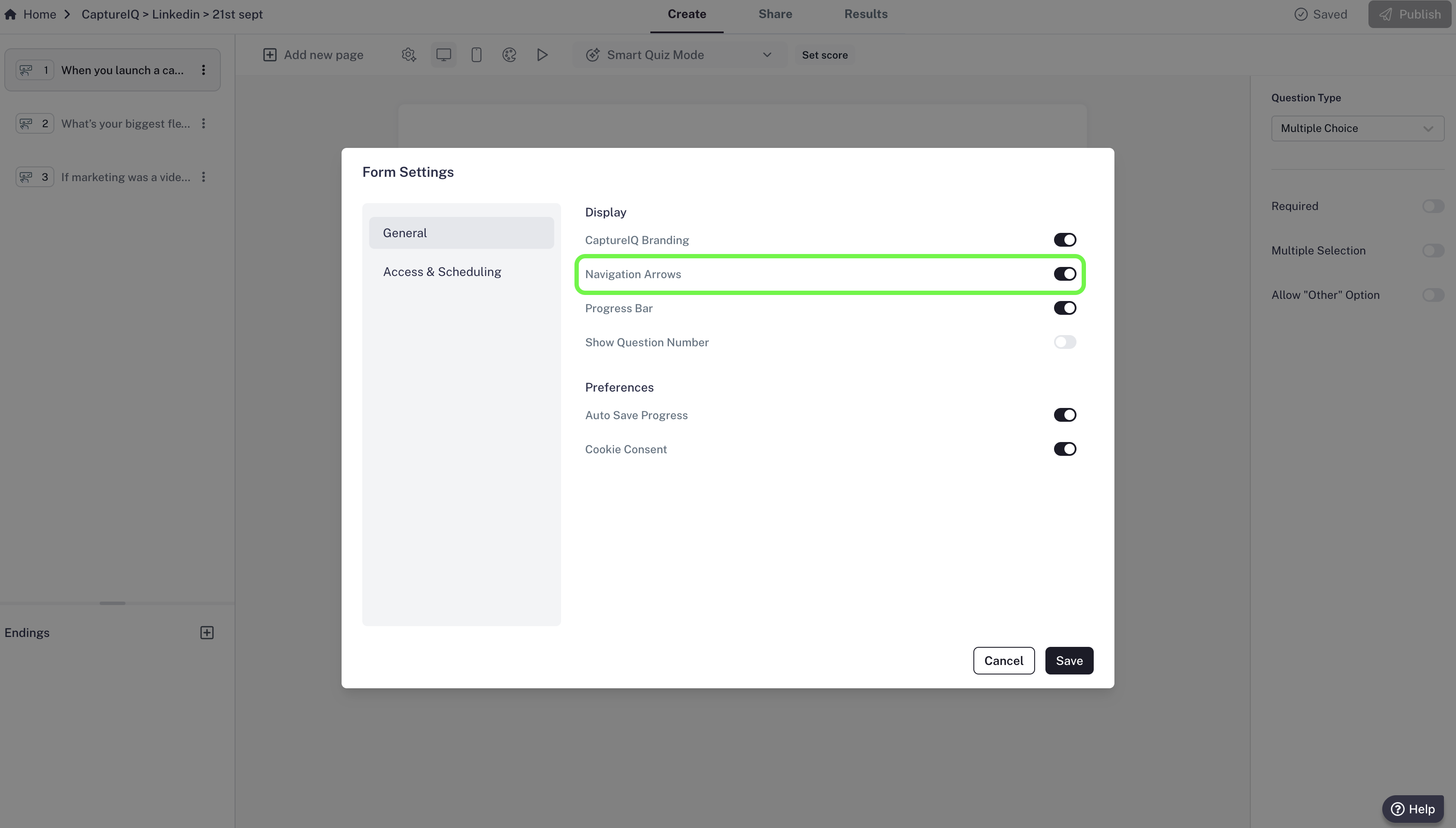
The toggle is on by default.