

You can access QR options from the Share Page by clicking the QR symbol in the top title bar.

1. Classic QR Code
With one click, CaptureIQ generates a standard QR code for your form. How to use it:- Click the QR symbol from the title bar.
- Download the generated QR code.
- Share it with your audience digitally or print it for offline distribution.
- Adding a QR to event posters or flyers for quick registrations.
- Sharing via WhatsApp, email, or newsletters for instant access.
- Placing QR on presentation slides during webinars or live events.
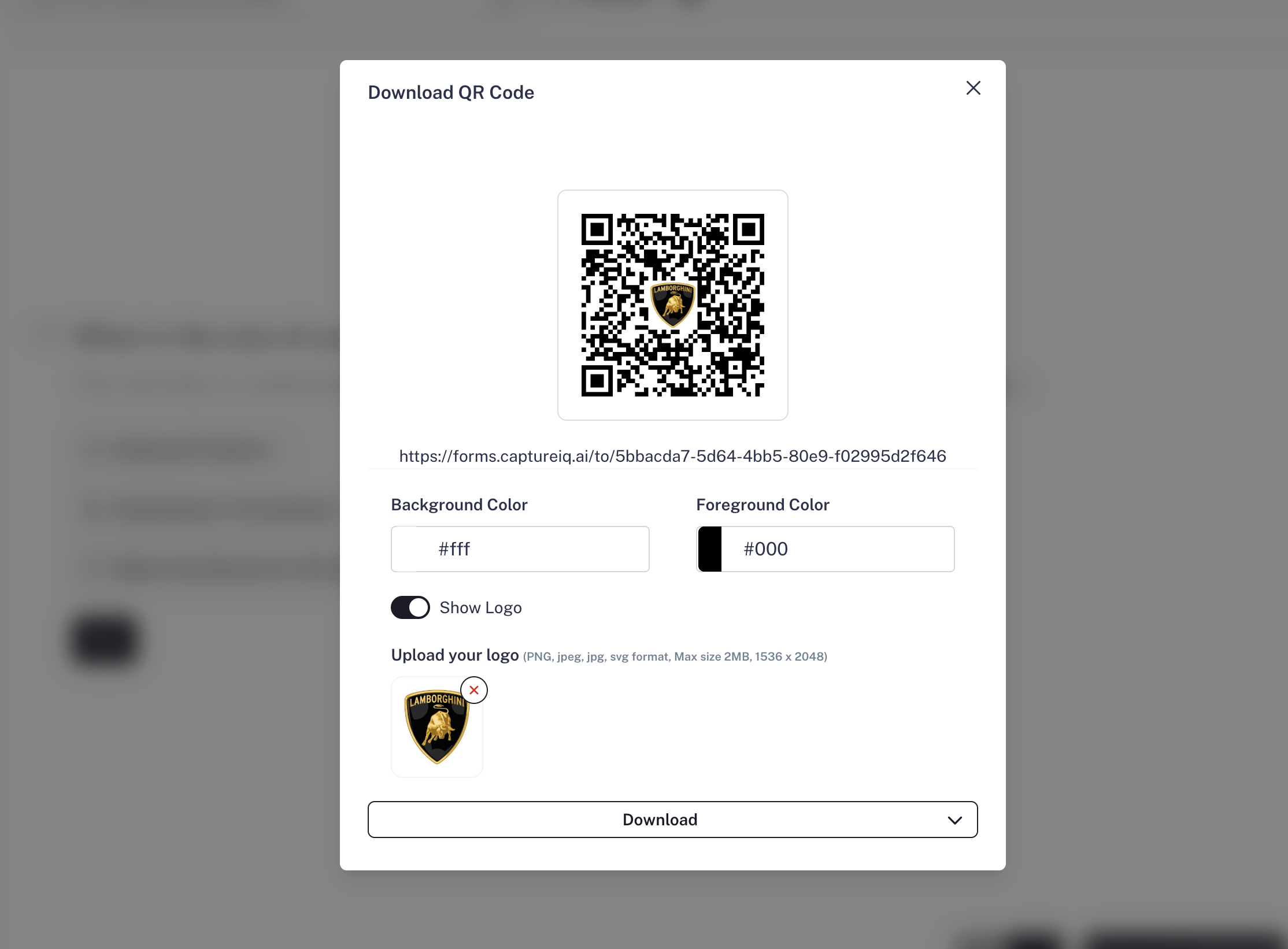
2. Branded QR Code
Take your QR codes to the next level by customizing them to align with your brand identity. CaptureIQ lets you:- Change the QR code colors to match your brand.
- Add your brand logo at the center.
- Download and use the customized QR for professional sharing.
- Maintaining brand consistency across all channels.
- Using eye-catching QRs on social media posts to drive more scans.
- Printing branded QRs on product packaging, brochures, or merchandise.
- Running offline campaigns like exhibitions, retail counters, or direct mail.
Whether you’re sharing a simple Classic QR or a Branded QR, CaptureIQ ensures your forms are easily accessible and look professional across all mediums.