Need documents, resumes, or supporting files? The File Upload field makes it possible.
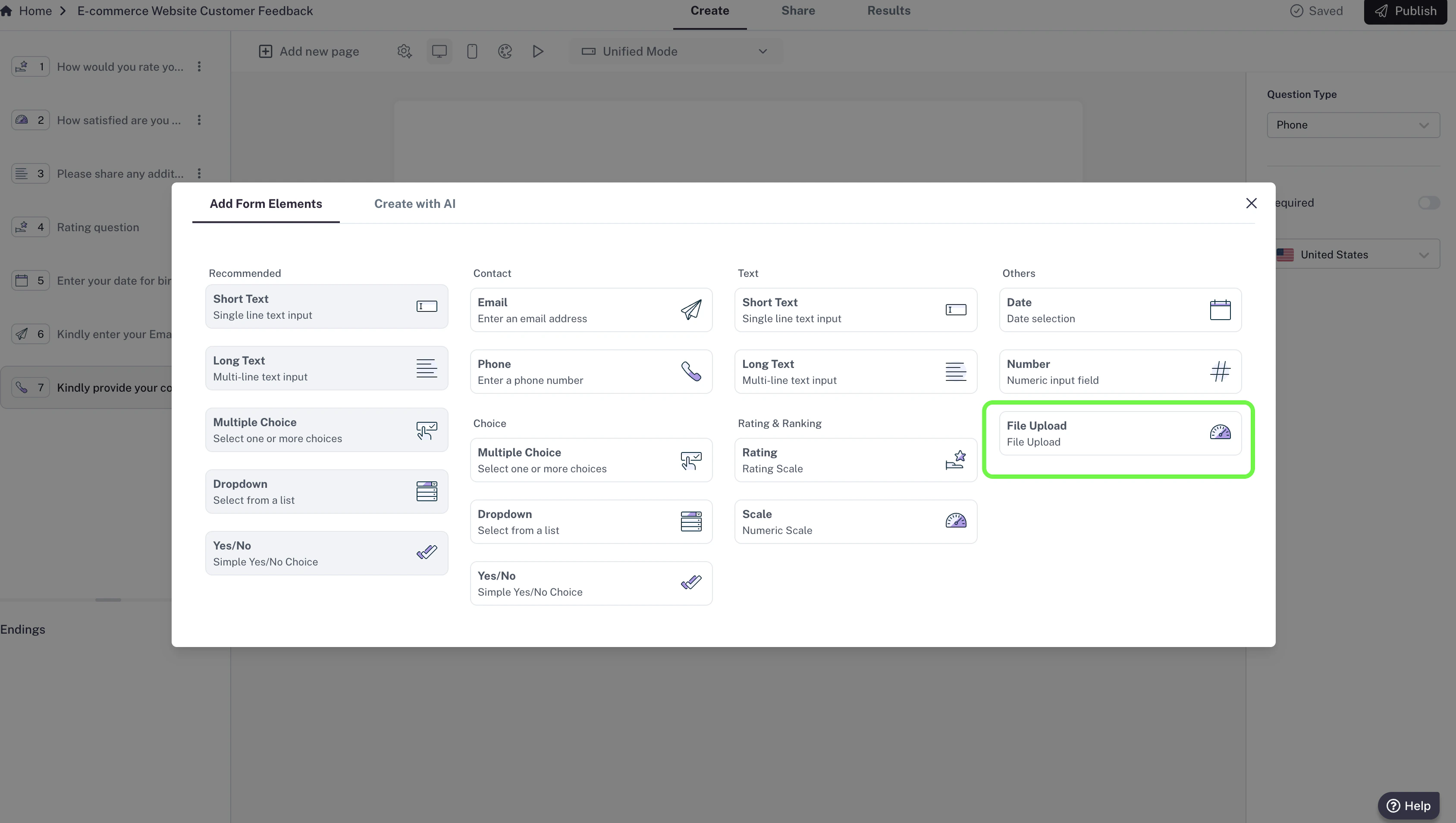
How to add File Upload
- In your editor, click Add new page.
- Select File Upload from the list of question types..
- Add your question (e.g., “Upload your CV here”).
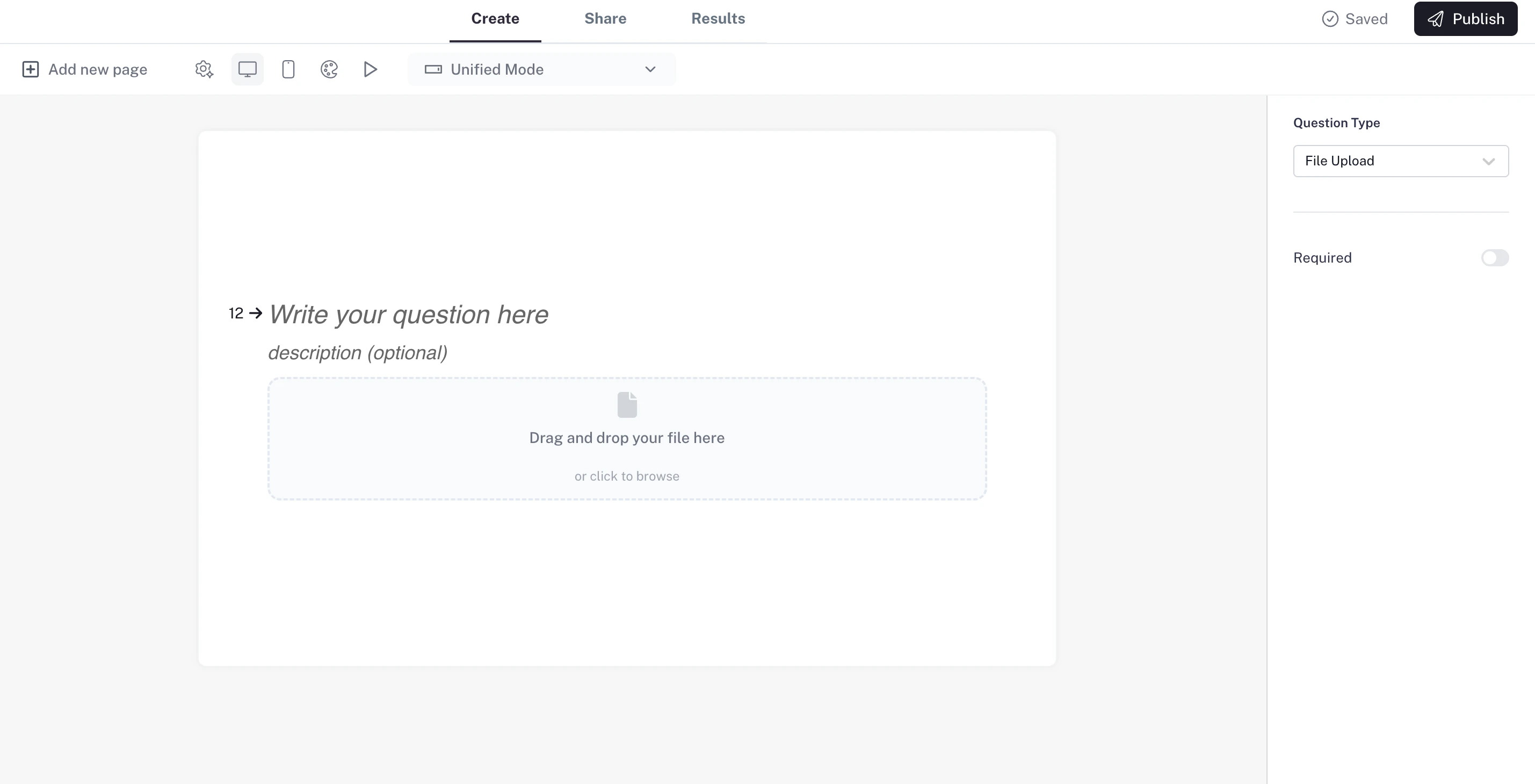
Settings
- Required question: Make the file upload mandatory so respondents can’t skip it.
- Attach files: Respondents can upload files directly in the form — either by clicking Upload or by simply dragging and dropping their files.
- Storage: CaptureIQ securely stores the uploaded file together with the respondent’s answers.
Use case: Ideal for job applications, assignment submissions, or support tickets where files are needed.

